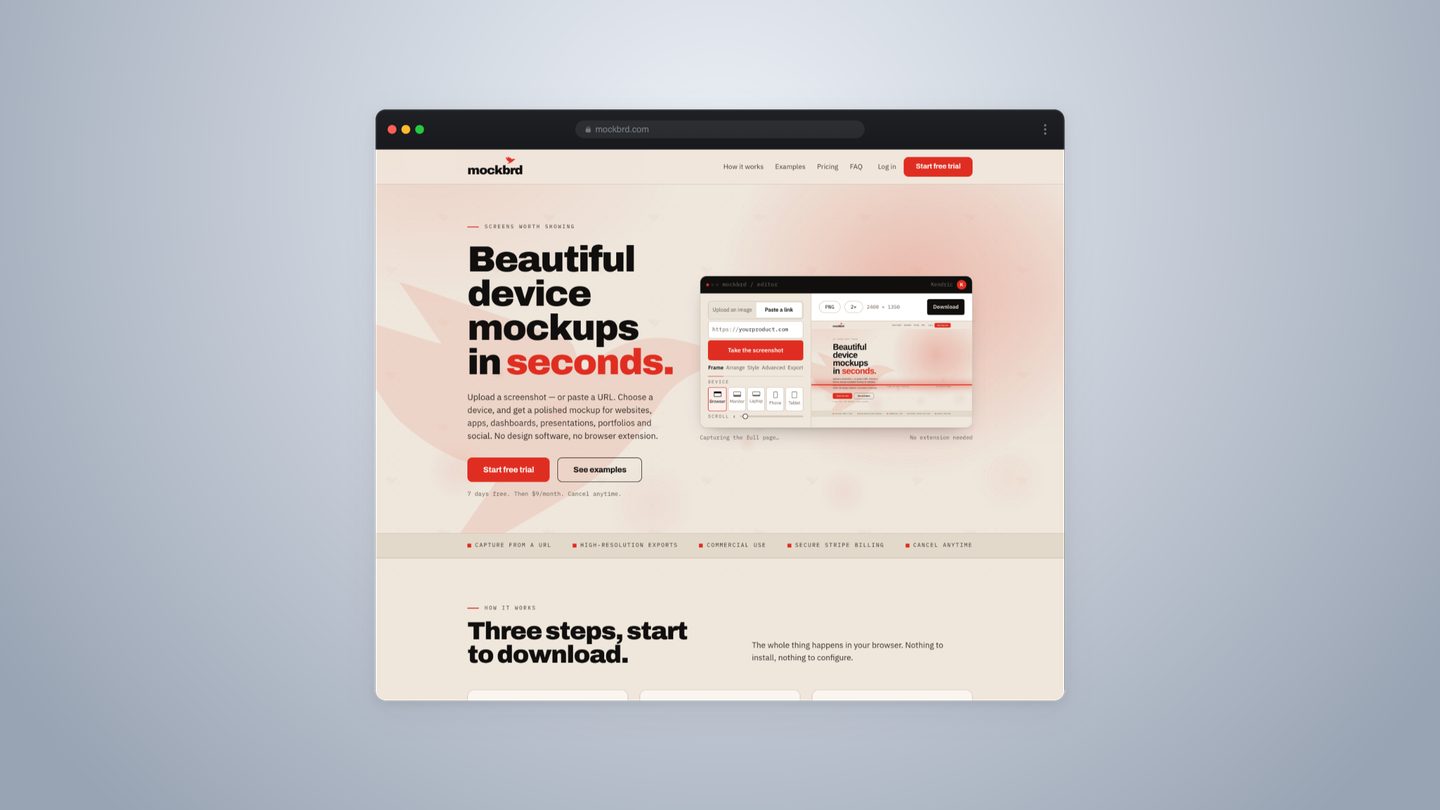
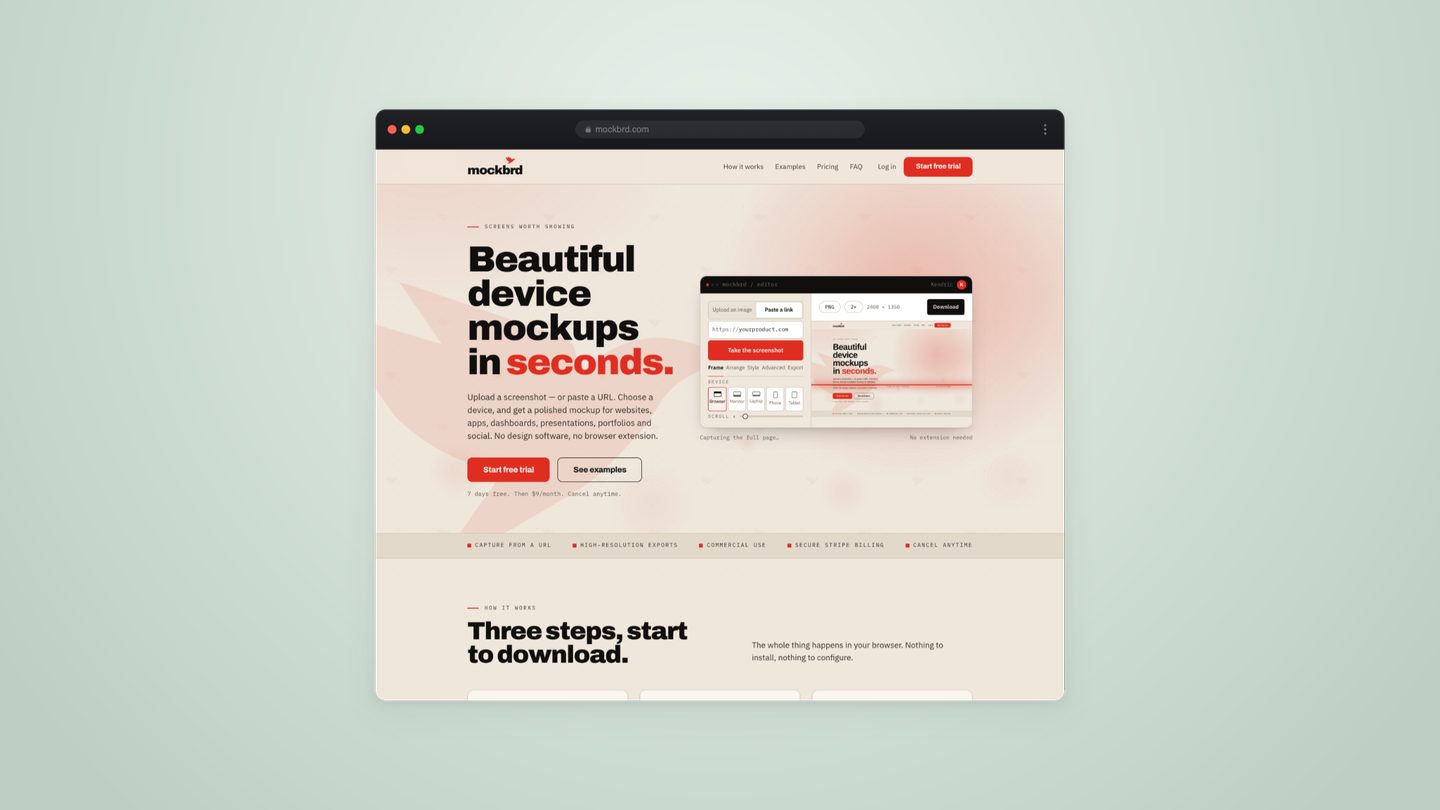
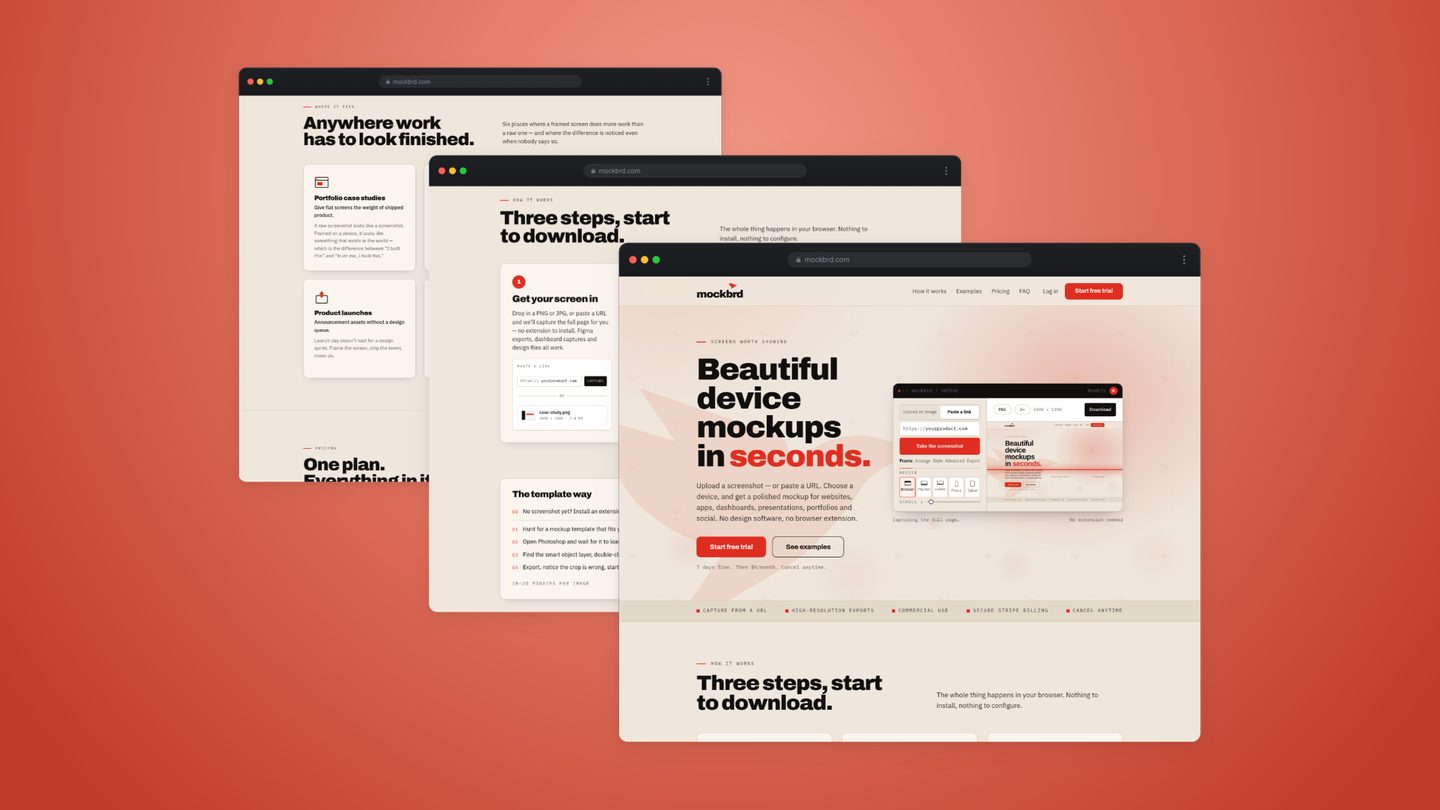
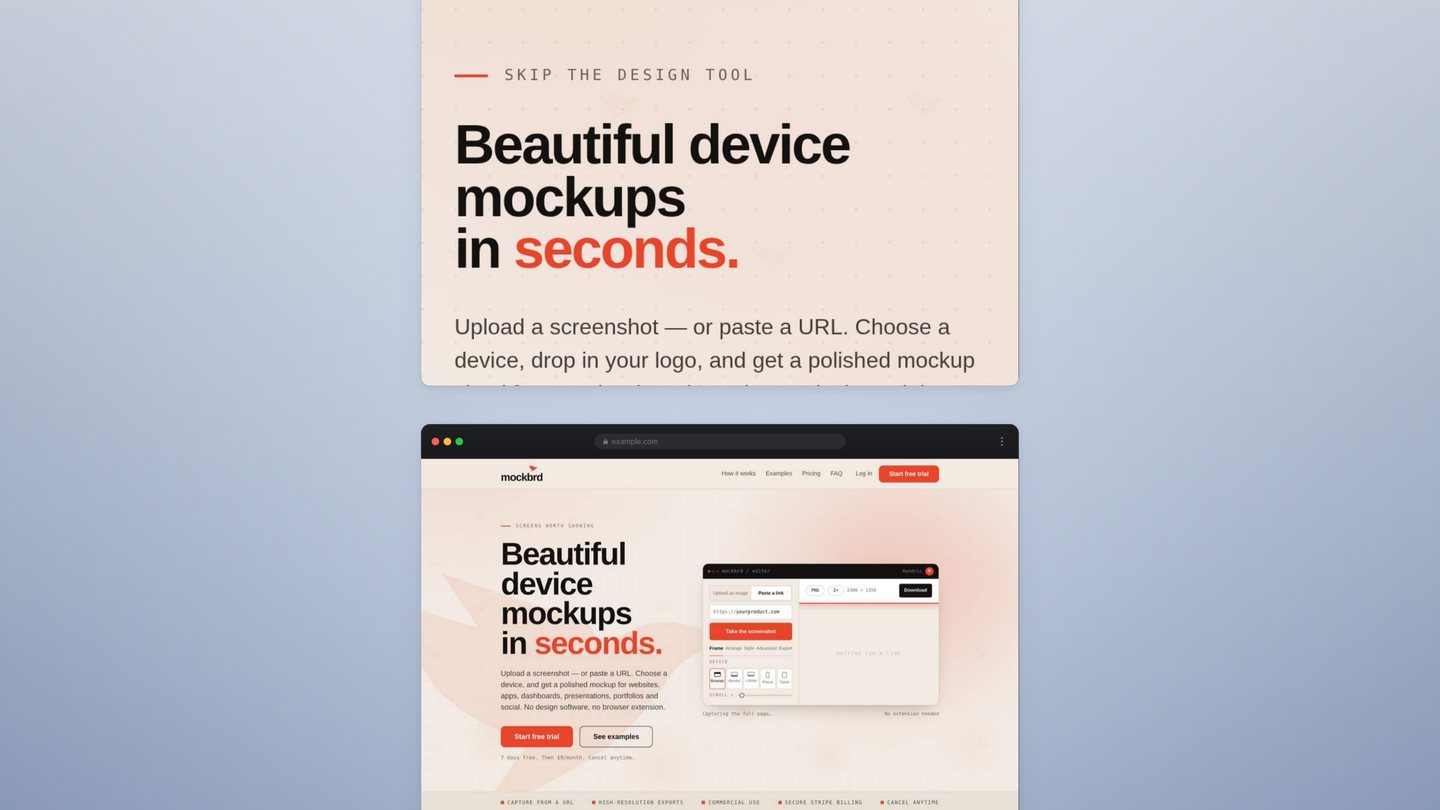
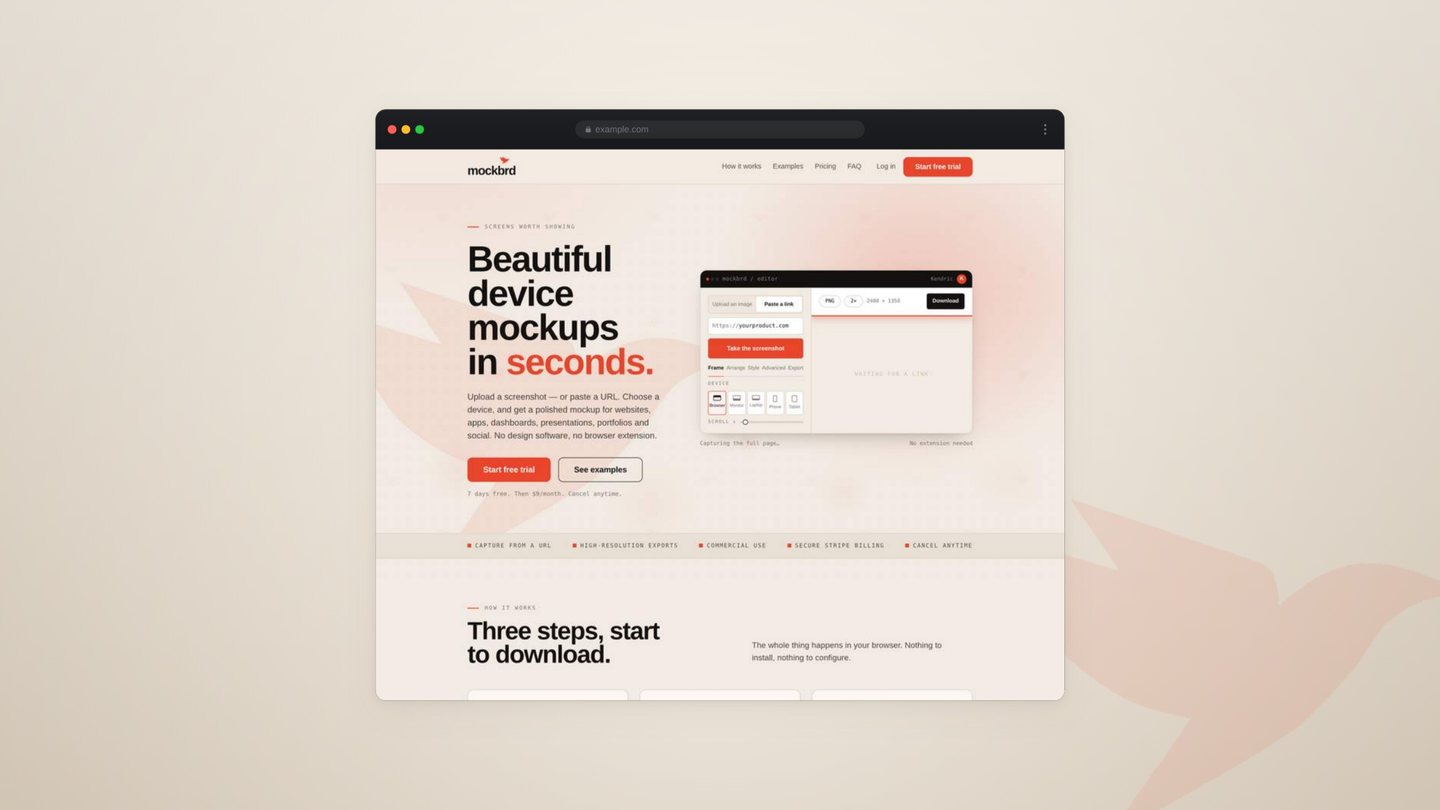
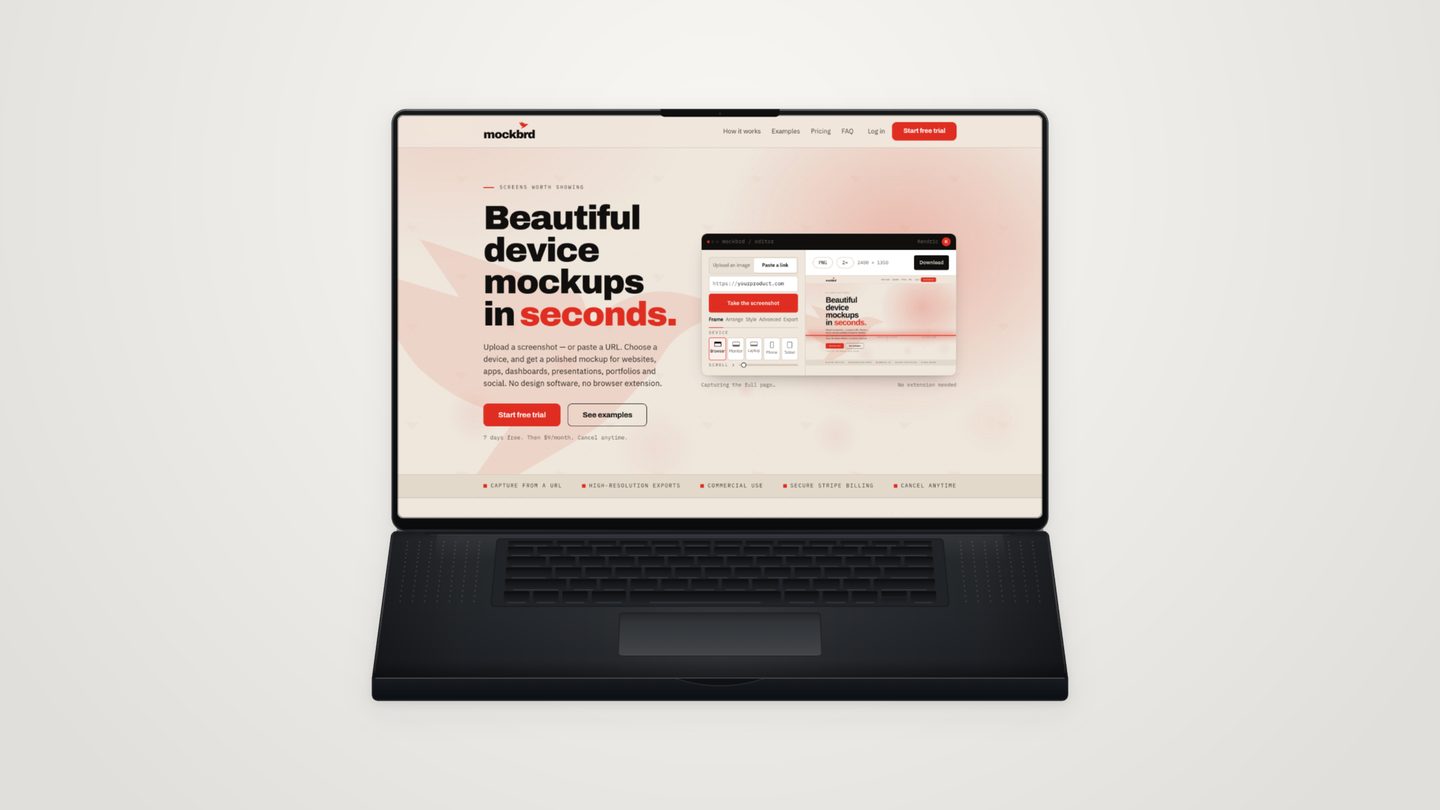
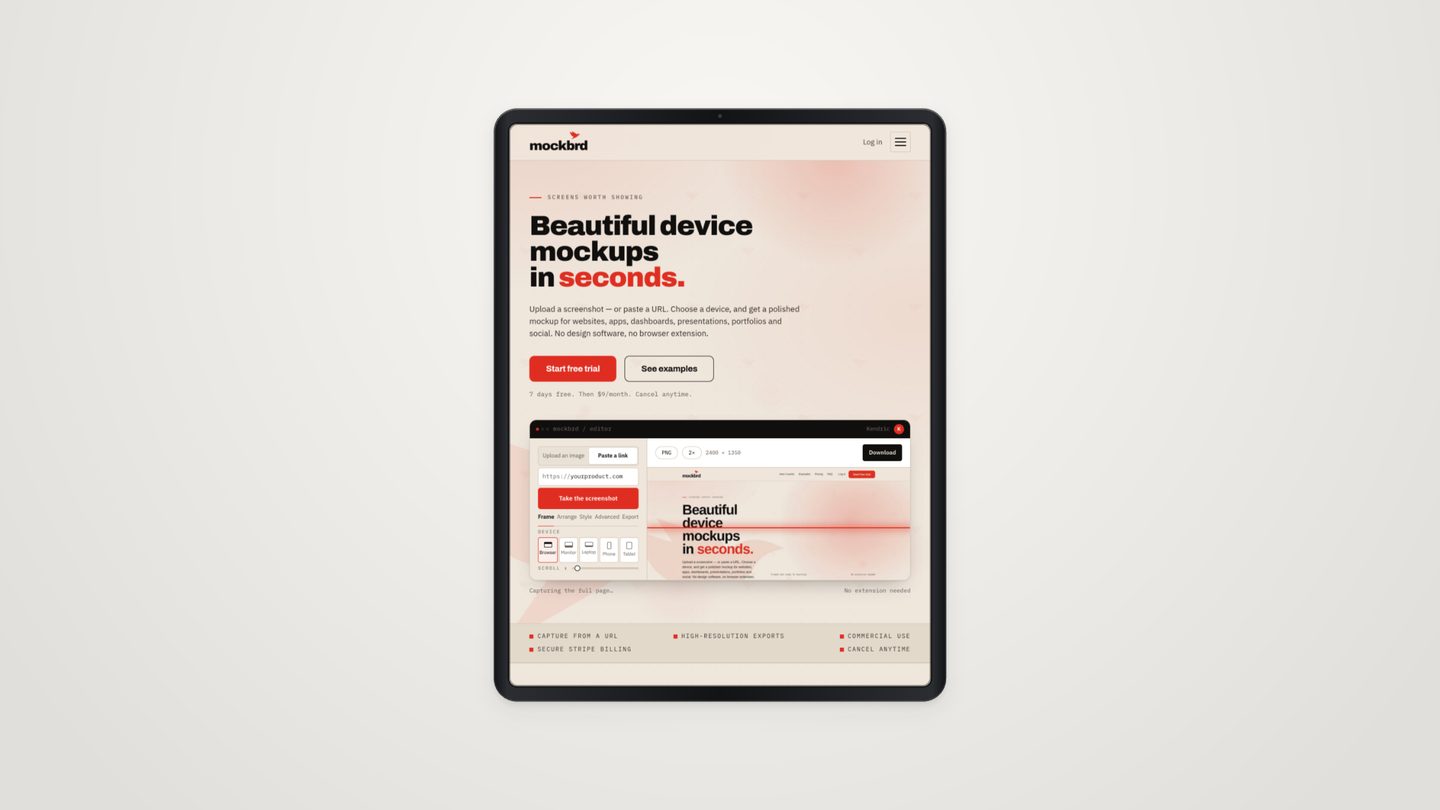
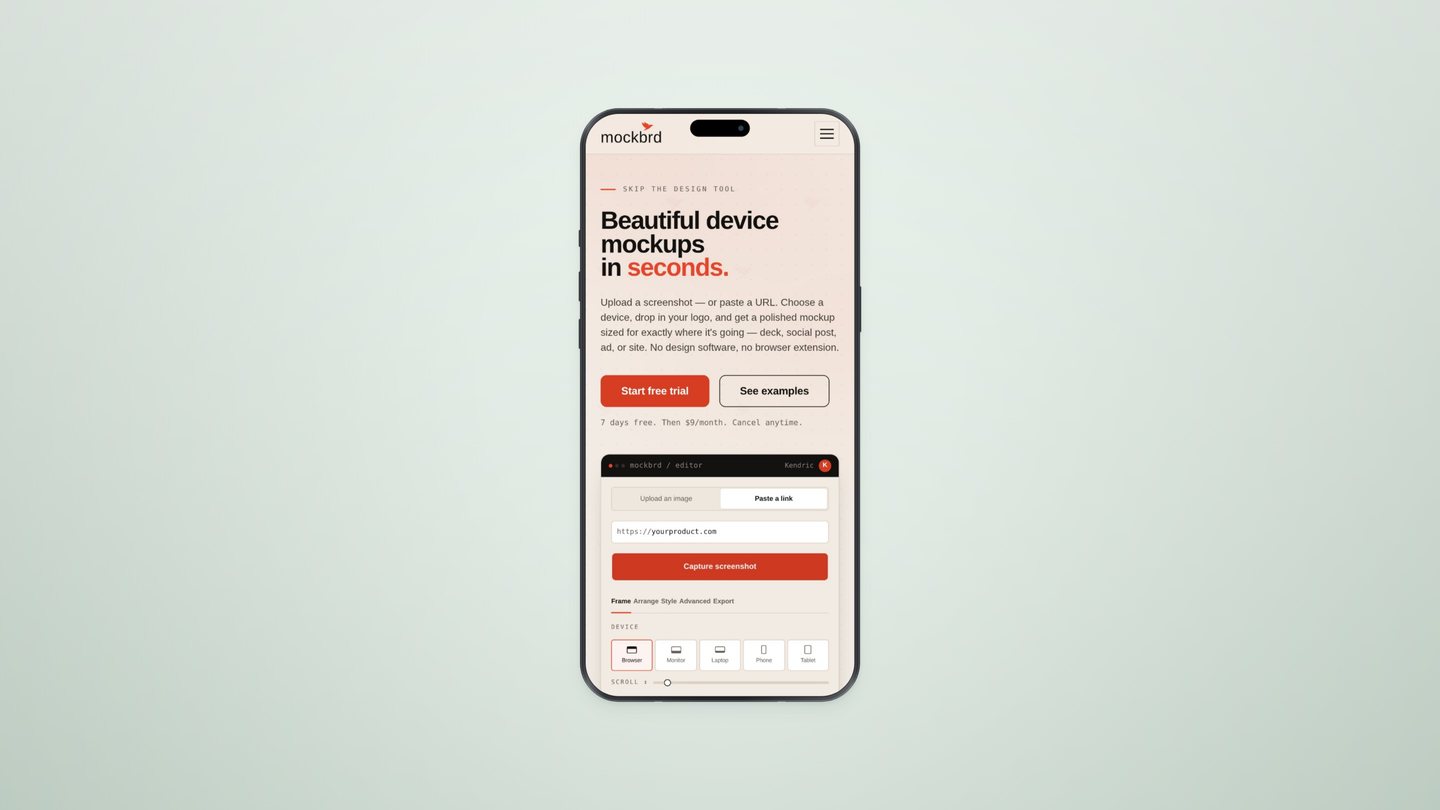
Beautiful device mockups in seconds.
Upload a screenshot — or paste a URL. Choose a device, drop in your logo, and get a polished mockup sized for exactly where it's going — deck, social post, ad, or site. No design software, no browser extension.
7 days free. Then $9/month. Cancel anytime.

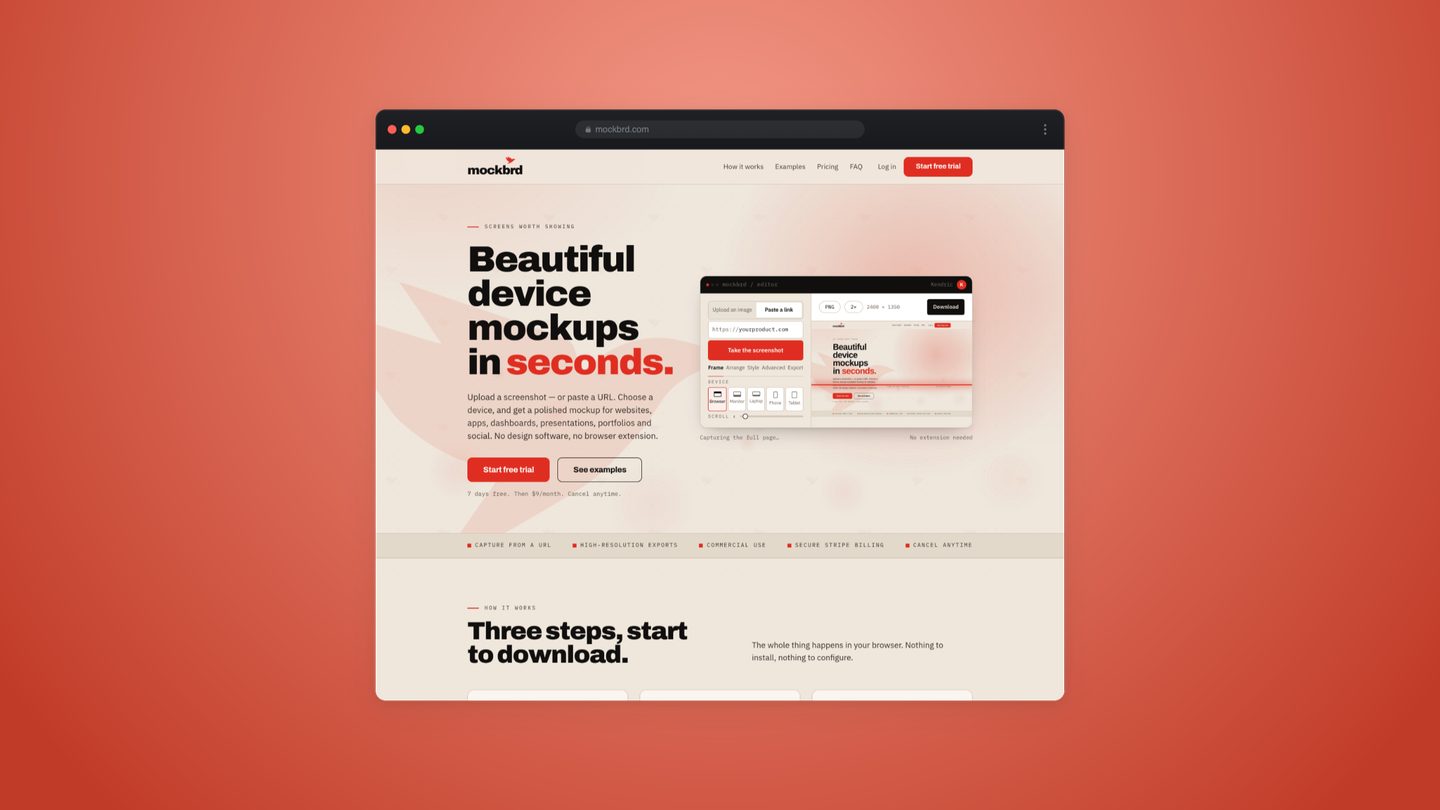
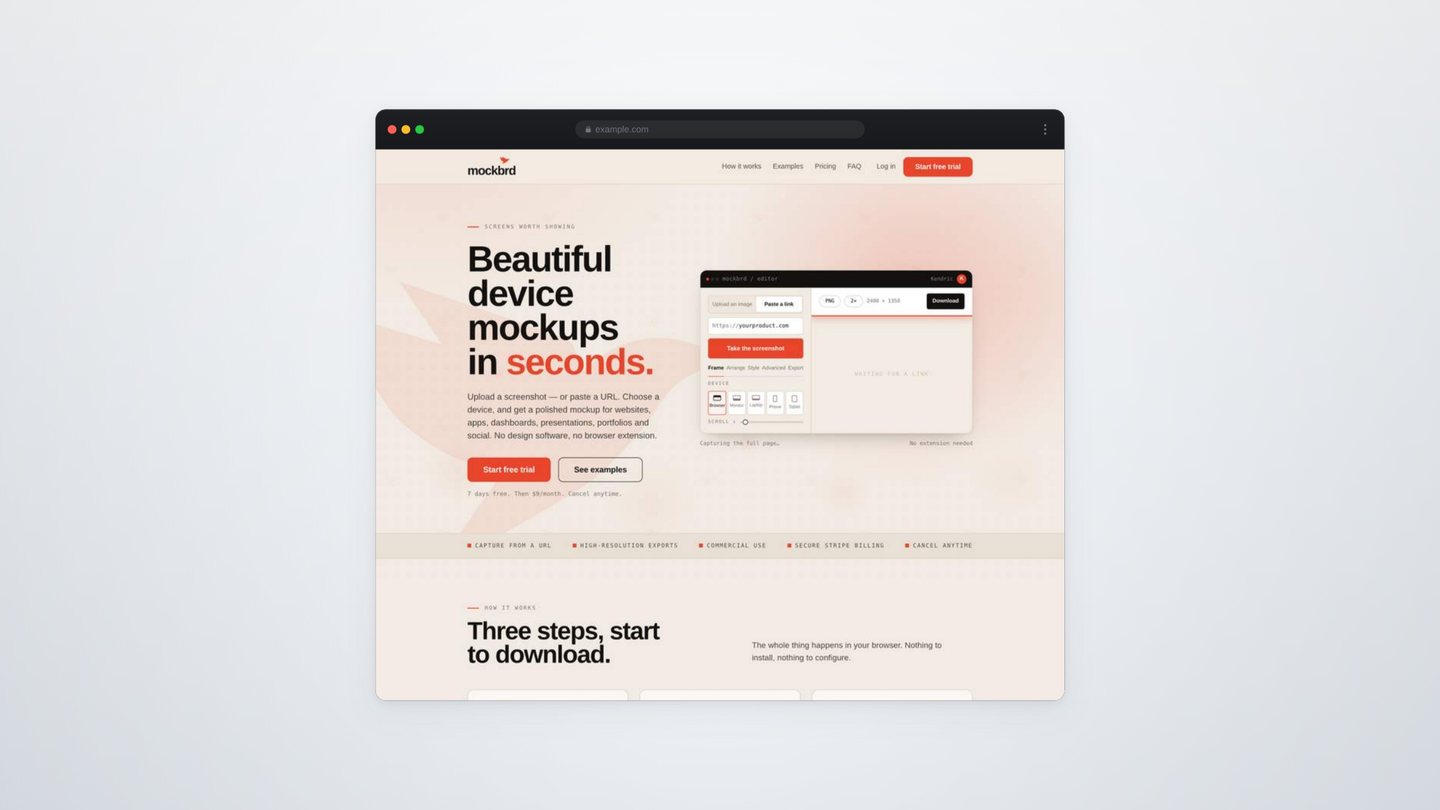
- Capture from a URL
- Your logo, built in
- Sized for every platform
- Commercial use
- Cancel anytime
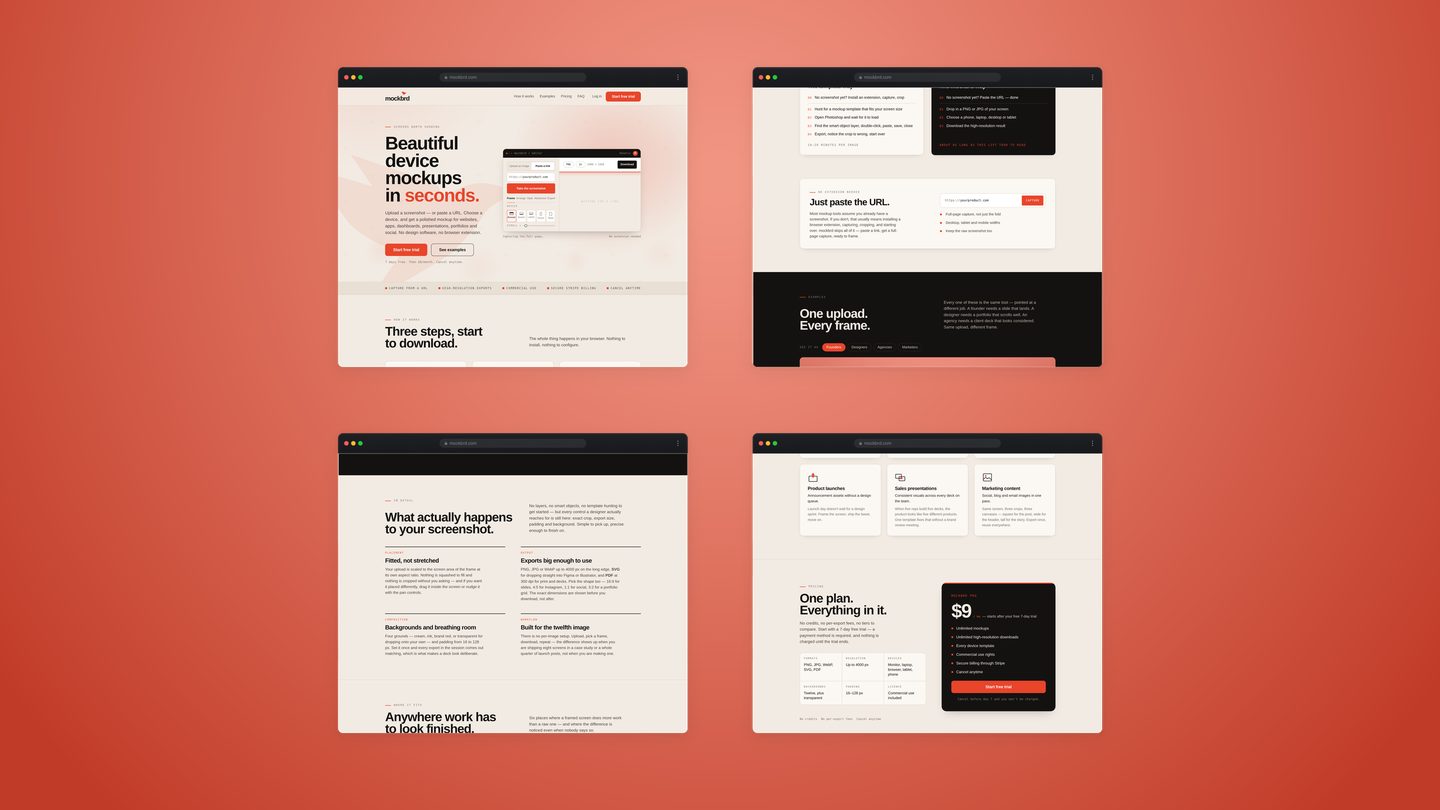
Three steps, start to download.
The whole thing happens in your browser. Nothing to install, nothing to configure.
Get your screen in
Drop in a PNG or JPG, or paste a URL and we’ll capture the full page for you — no extension to install. Figma exports and dashboard captures all work too.
Choose a device
Browser, monitor, laptop, phone or tablet. Your screen is placed and scaled into the frame automatically.
Download it
Generate and download the high-resolution result, ready for a deck, a case study or a launch post.
The old way
- 00No screenshot yet? Install an extension, capture, crop
- 01Hunt for a mockup template that fits your screen size
- 02Open Photoshop and wait for it to load
- 03Find the smart object layer, double-click, paste, save, close
- 04Export, notice the crop is wrong, start over
10–20 minutes per image
The mockbrd way
- 00No screenshot yet? Paste the URL — done
- 01Drop in a PNG or JPG of your screen
- 02Choose a phone, laptop, desktop or tablet
- 03Download the high-resolution result
About as long as this list took to read
Just paste the URL.
Most mockup tools assume you already have a screenshot. If you don't, that usually means installing a browser extension, capturing, cropping, and starting over. mockbrd skips all of it — paste a link, get a full-page capture, ready to frame.
One upload. Every frame.
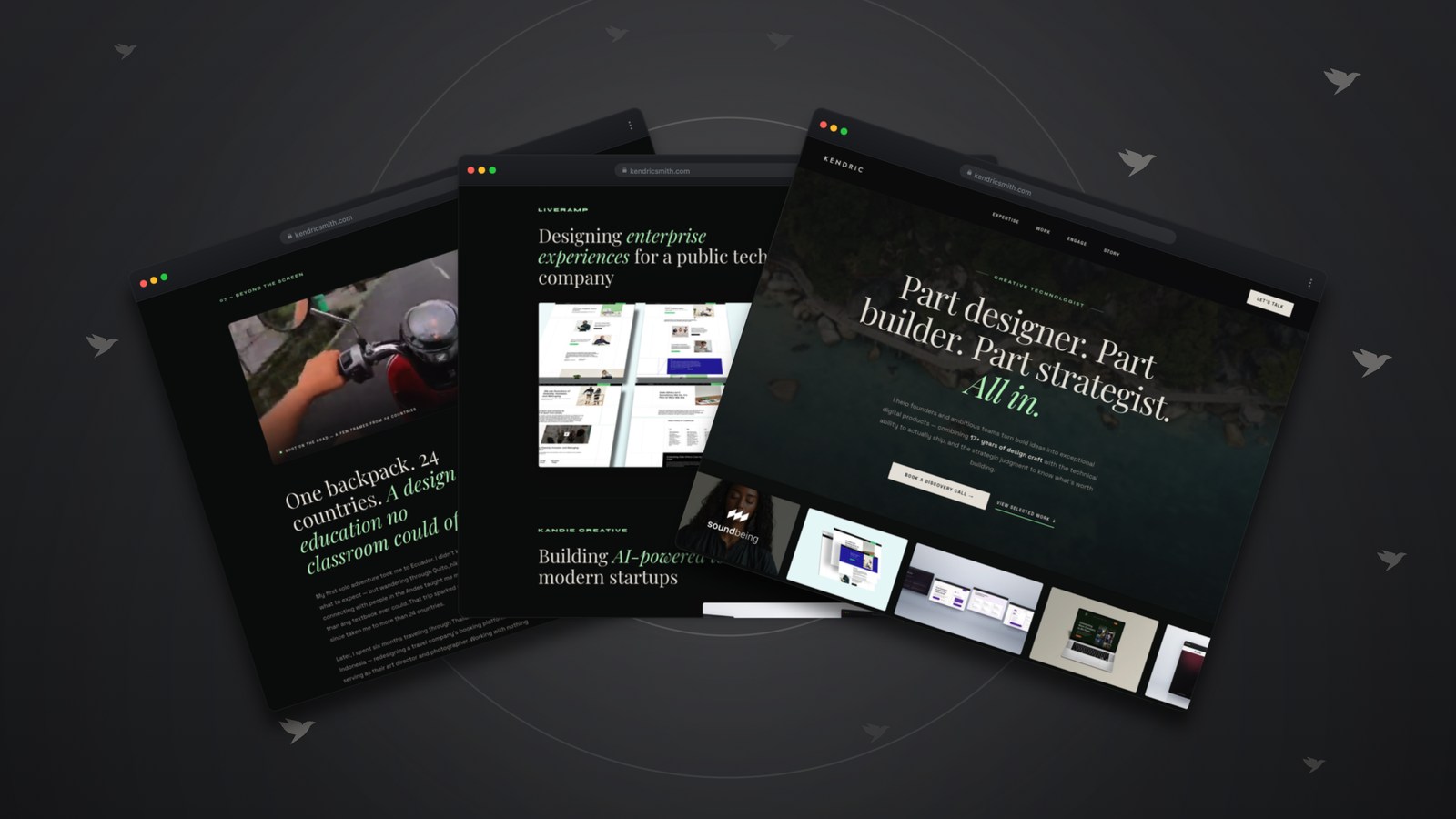
Every one of these is the same tool — pointed at a different job. A founder needs a slide that lands. A designer needs a portfolio that scrolls well. An agency needs a client deck that looks considered. Same upload, different frame.
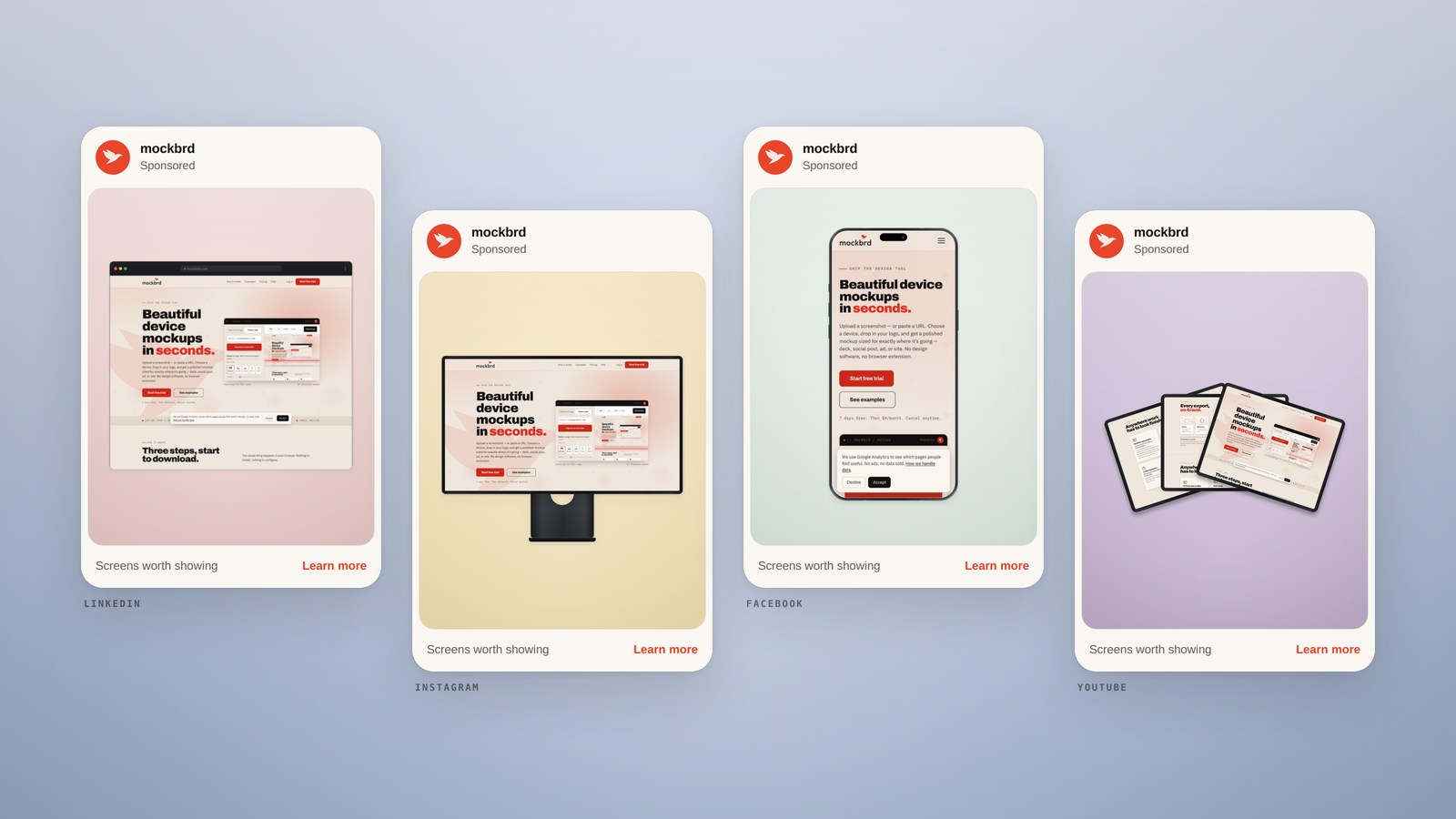
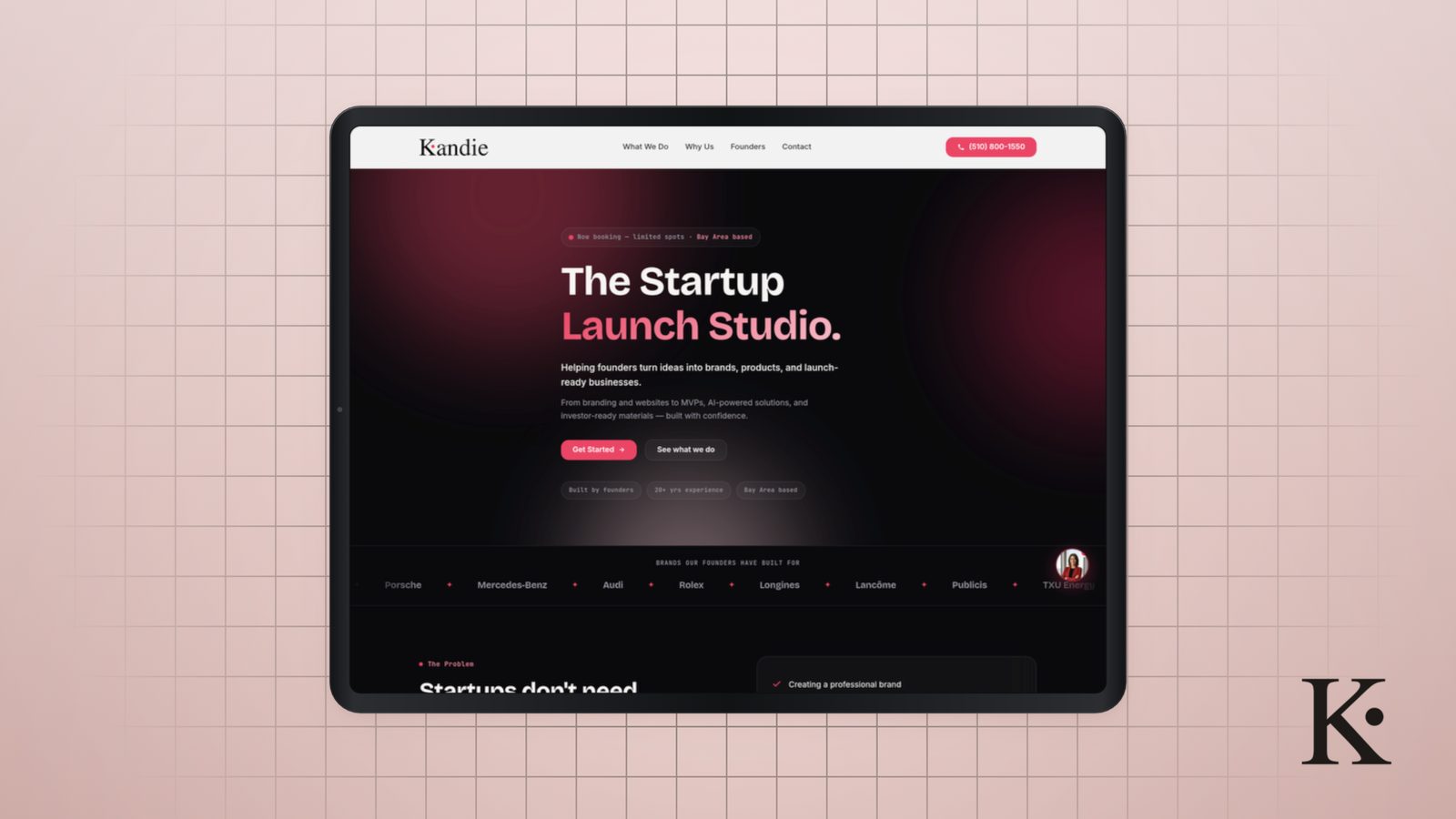
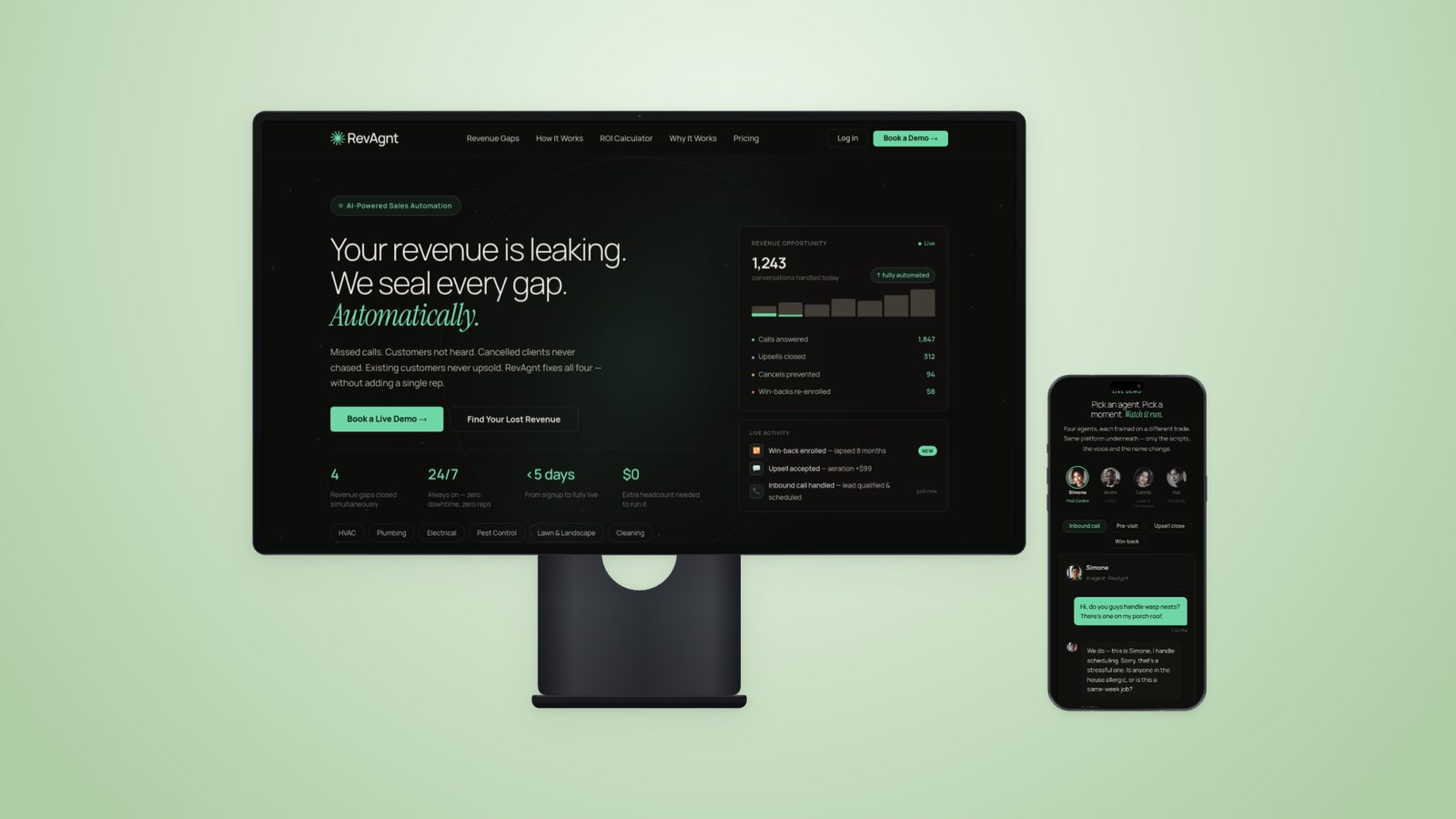
Social set One screenshot, framed four ways and ready to post. Four frames, ready to post.
What actually happens to your screenshot.
No layers, no smart objects, no template hunting to get started — but every control a designer actually reaches for is still here: exact crop, export size, padding and background. Simple to pick up, precise enough to finish on.
Fitted, not stretched
Your upload is scaled to the screen area of the frame at its own aspect ratio. Nothing is squashed to fill and nothing is cropped without you asking — and if you want it placed differently, drag it inside the screen or nudge it with the pan controls.
Exports big enough to use
PNG, JPG or WebP up to 4000 px on the long edge, SVG for dropping straight into Figma or Illustrator, and PDF at 300 dpi for print and decks. Pick a platform instead of a ratio — LinkedIn, Instagram, Story, X, Pinterest, Google Ads, Dribbble and slides are already sized and ready. The exact dimensions are shown before you download, not after.
Backgrounds and breathing room
Any color, including your own — type in your brand’s hex and match it exactly, or drop in a pattern from the built-in library. Add your logo on top if the frame needs it. Padding runs from 16 to 128px. Set it once and every export in the session comes out matching, which is what makes a deck look deliberate.
Built for the twelfth image
There is no per-image setup. Upload, pick a frame, download, repeat — the difference shows up when you are shipping eight screens in a case study or a whole quarter of launch posts, not when you are making one.
Every export,
on-brand.
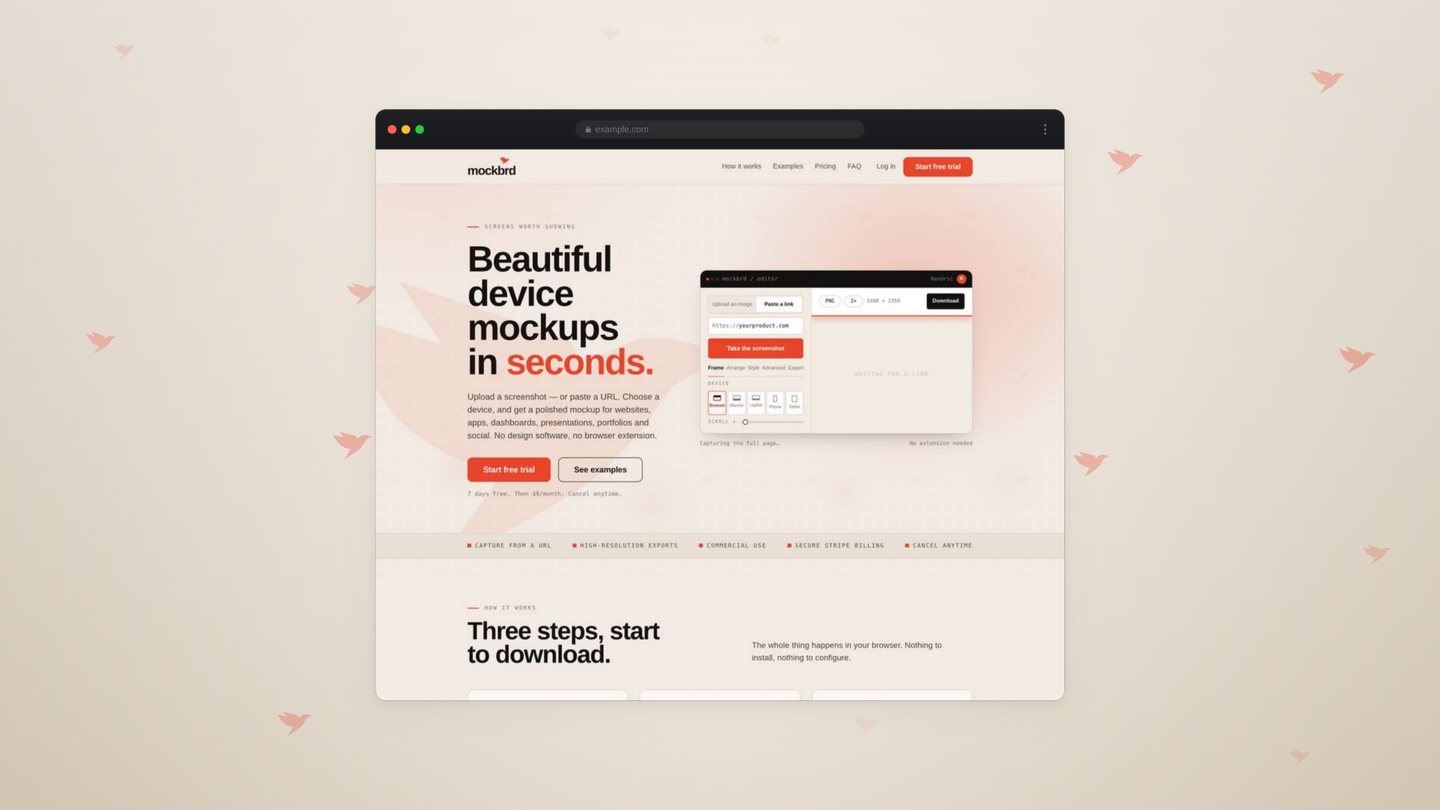
Upload your mark once. Six ways to place it behind the screen — and whichever you pick, what you set is exactly what exports.
Scatter
Mixed sizes drifting across the frame. Designed, not busy.
Watermark
One mark, oversized and faint, holding the center.
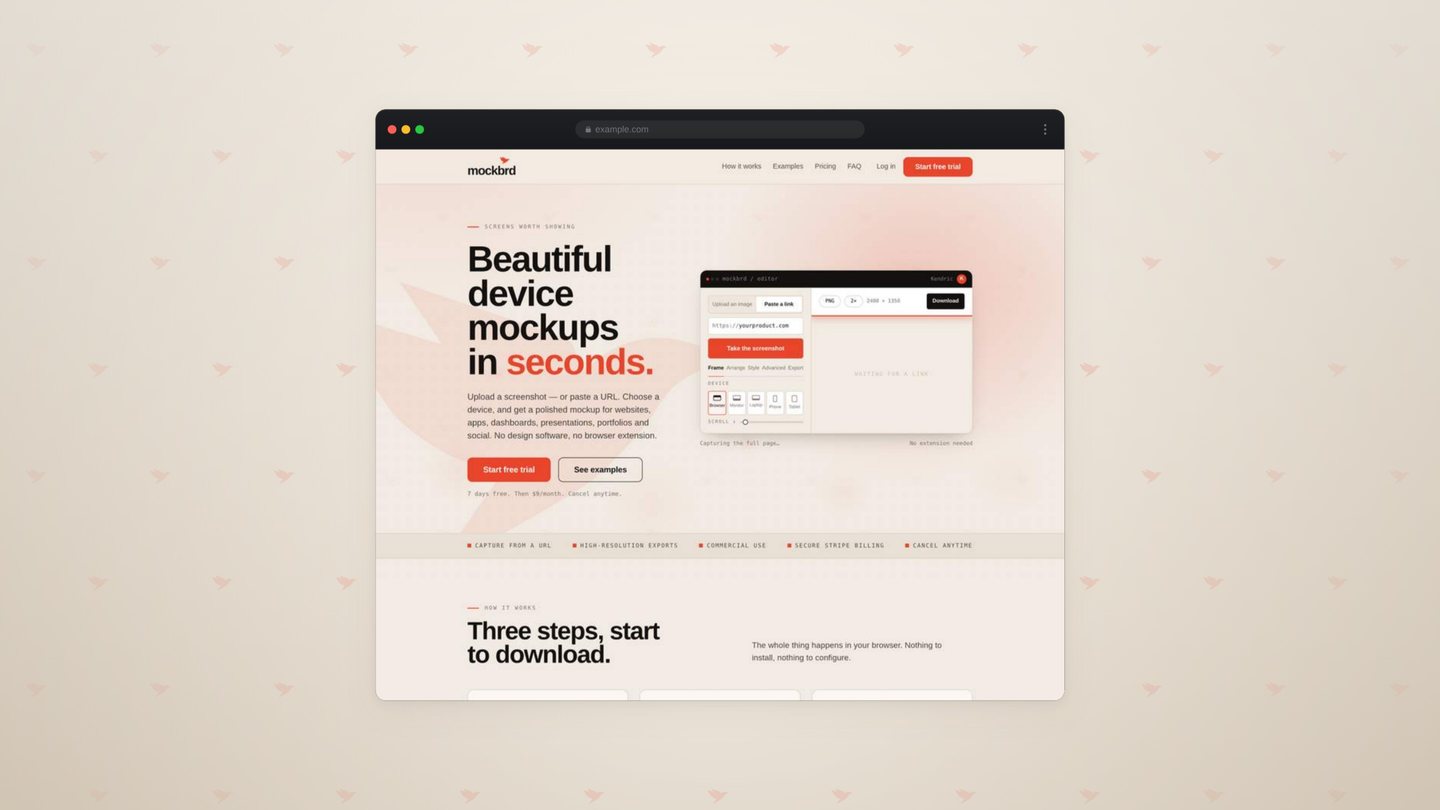
Tile
An even repeat, wall to wall. Reads as a surface.
Stamp
A single mark in the corner, at full strength.
Trail
A diagonal that fades, leading the eye across.
Ring
A circle around the device, so one screen has company.
- Six placements, any device. The same mark behind a browser, a phone, a laptop, a monitor or a tablet — positioned once and held there.
- Color and strength are yours. Any hex, any opacity — from a whisper behind the screen to a full-strength signature.
- Set once, exported everywhere. The same placement carries into the deck, the ad and the story without touching it again.
Anywhere work has to look finished.
Six places where a framed screen does more work than a raw one — and where the difference is noticed even when nobody says so.
Portfolio case studies
Give flat screens the weight of shipped product.
A raw screenshot looks like a screenshot. Framed on a device, it looks like something that exists in the world — which is the difference between “I built this” and “trust me, I built this.”
Pitch decks
Look funded before you are.
A framed product shot on slide 4 does more convincing than the three slides around it — and you don’t need a designer on the team to make it happen.
Client presentations
Hours of polish, minutes of work.
A deliverable that would’ve taken an afternoon, framed and ready before the meeting. Every screen in the deck gets the same treatment — not just the hero shot you had time to polish.
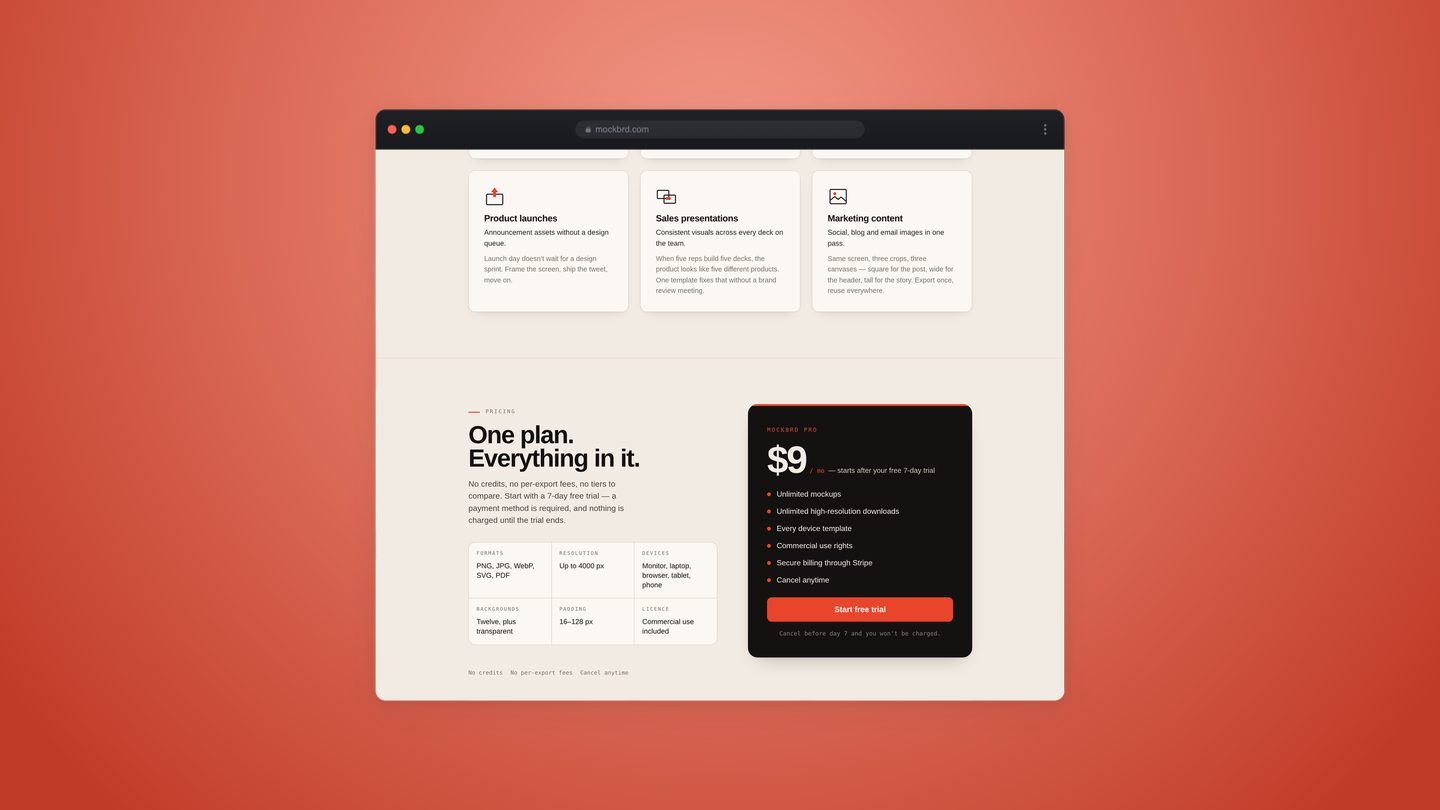
Product launches
Announcement assets without a design queue.
Launch day doesn’t wait for a design sprint. Frame the screen, ship the tweet, move on.
Sales presentations
Don’t wait on marketing for a slide.
A prospect call is tomorrow, not next sprint. Frame the product yourself and have it in the deck tonight.
Marketing content
One screenshot, every platform’s exact size.
LinkedIn, Instagram, Pinterest and more, already sized and ready — square for the post, wide for the header, tall for the story. Export once, reuse everywhere.
What people say.
One plan.
Everything in it.
No credits, no per-export fees, no confusing tiers. Start with a 7-day free trial — a payment method is required, and nothing is charged until the trial ends.
- Formats
- PNG, JPG, WebP, SVG, PDF
- Resolution
- Up to 4000 px
- Devices
- Monitor, laptop, browser, tablet, phone
- Backgrounds
- Any hex, 35 presets, transparent
- Padding
- 16–128 px
- License
- Commercial use included
No creditsNo per-export feesCancel anytime
- Unlimited mockups
- Unlimited high-resolution downloads
- 50 URL captures a month
- Every device template
- Your logo on every export
- Commercial use rights
- Secure billing through Stripe
- Cancel anytime
Cancel before day 7 and you won't be charged.
Questions, answered.
Everything people ask before starting a trial.
Still stuck? Read the docs or email support — every message is read.
Do I need Photoshop?
No. mockbrd runs entirely in your browser — no software to buy, no template file to hunt for, no smart object to wrestle with. You still get full control over crop, background, padding and export size — just without the setup.
Do I need a browser extension to capture my website?
No. Paste any URL and mockbrd captures the full page automatically. If you'd rather upload your own screenshot or design export, that works too.
Can I add my own logo?
Yes. Upload your mark once and choose how it appears — watermark, scatter, tile, stamp, trail or ring. It adapts to light and dark backgrounds automatically, and every export carries it consistently.
What file types can I upload?
PNG, JPG, WebP and SVG. We don’t support PSD, AI or PDF files directly — export a PNG or SVG from Photoshop, Illustrator or Acrobat first, and it’ll work fine.
What’s the URL capture limit?
Trial accounts get 5 URL captures. Once you’re on the $9 plan, that’s 50 a month — plenty for most people. Uploading your own screenshot or file is unlimited either way, so the limit only applies to pasting a link and having us capture the page for you.
Does it work with Figma?
Yes. Export a frame as a PNG or JPG and drop it in. Sketch exports, browser screenshots and dashboard captures work the same way.
Which devices are available?
Phone, laptop, desktop and tablet. Your upload is placed and scaled into each one automatically.
Can I use the mockups in client work?
Yes. Commercial use is included for as long as your subscription is active — portfolios, client deliverables, decks, ads and social all count.
Can I cancel?
Anytime, from your account settings. Your access runs to the end of the period you've already paid for.
How are payments handled?
Stripe processes every payment. Your card details go to Stripe directly and are never stored by mockbrd.
Will I be charged during the trial?
No. The trial runs 7 days and requires a payment method up front. The first $9 charge lands the day the trial ends, unless you cancel before then.
Put your best screen
forward.
Pitch decks, portfolios, client work, launch day — the screens people judge you on, framed properly. No design skill required if you don’t have one. No wasted afternoon if you do.
Start free trial 7 days free · then $9/month · cancel anytime · commercial use included