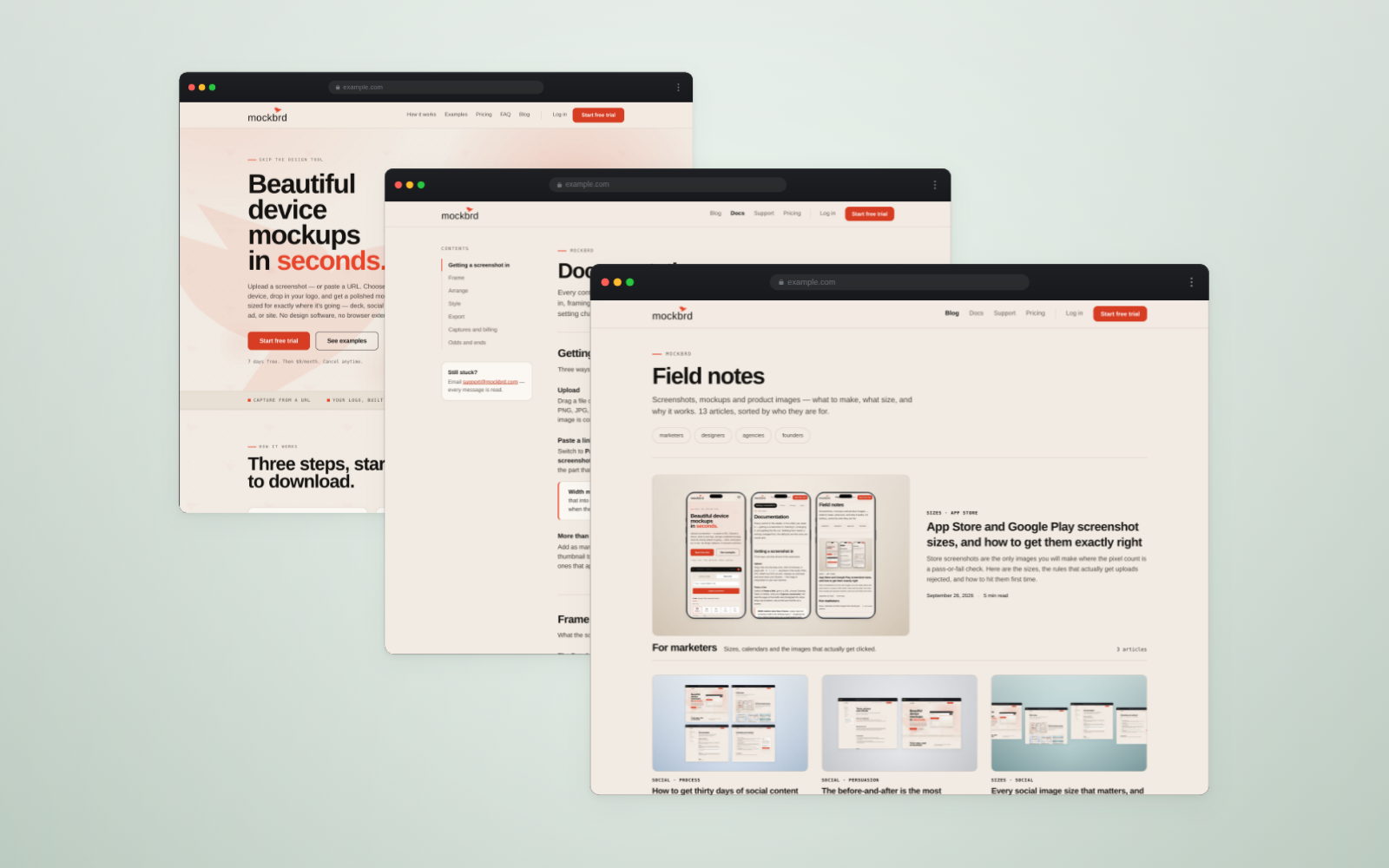
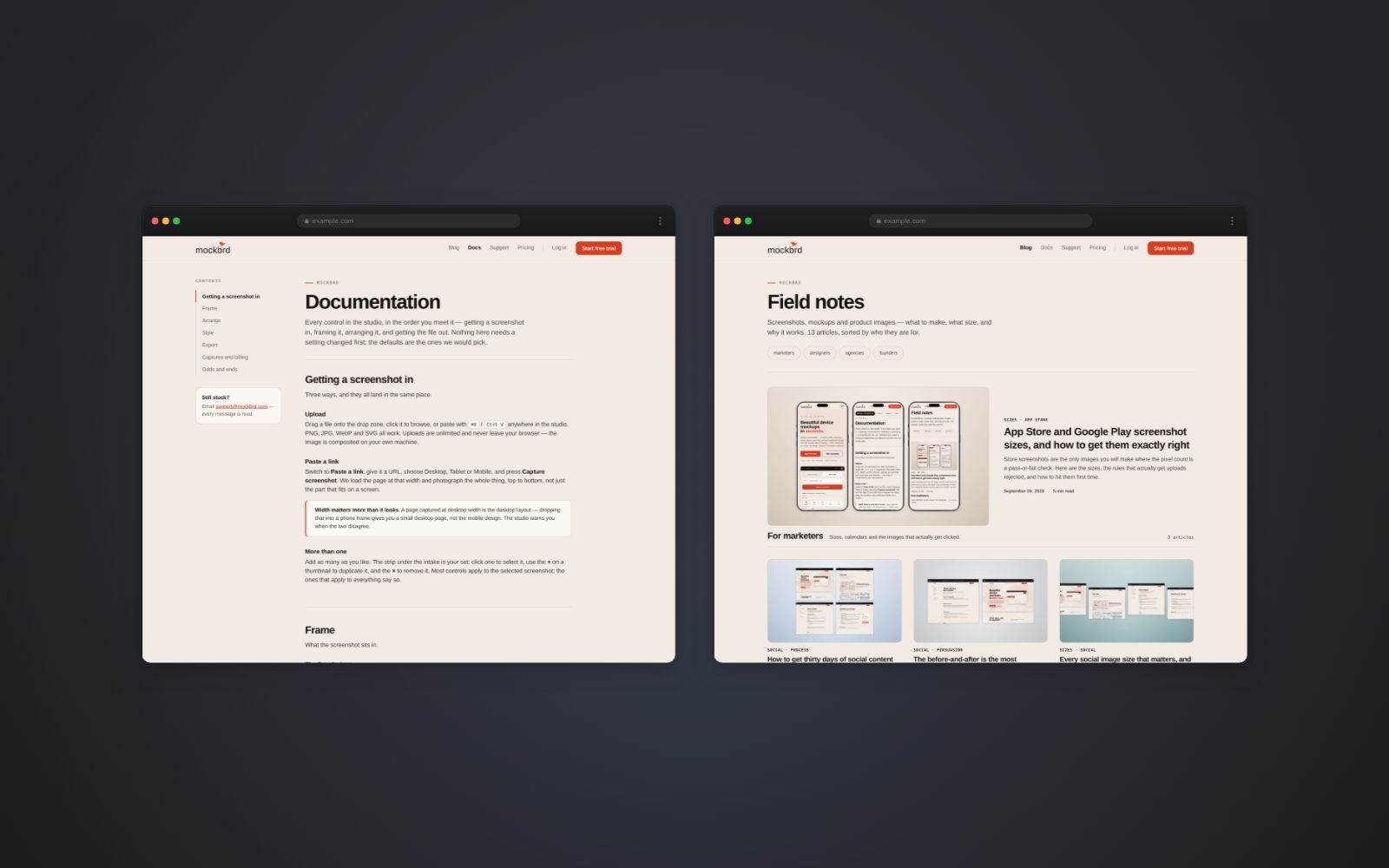
Field notes
Screenshots, mockups and product images — what to make, what size, and why it works. 13 articles, sorted by who they are for.
For marketers
Sizes, calendars and the images that actually get clicked.
3 articles-
How to get thirty days of social content out of one product
You do not need thirty ideas. You need one product, a handful of angles, and a way of making the images that does not take an afternoon each.
-
The before-and-after is the most persuasive image you can make
Nothing else you post will outperform a fair, well-made comparison. Here is what makes one fair, and the ways they quietly go wrong.
-
Every social image size that matters, and why they are those shapes
Four shapes cover almost everything you will ever post. Learn the shapes and the pixel counts stop mattering.
For designers
Craft: framing, light, portfolios and the details reviewers notice.
3 articles-
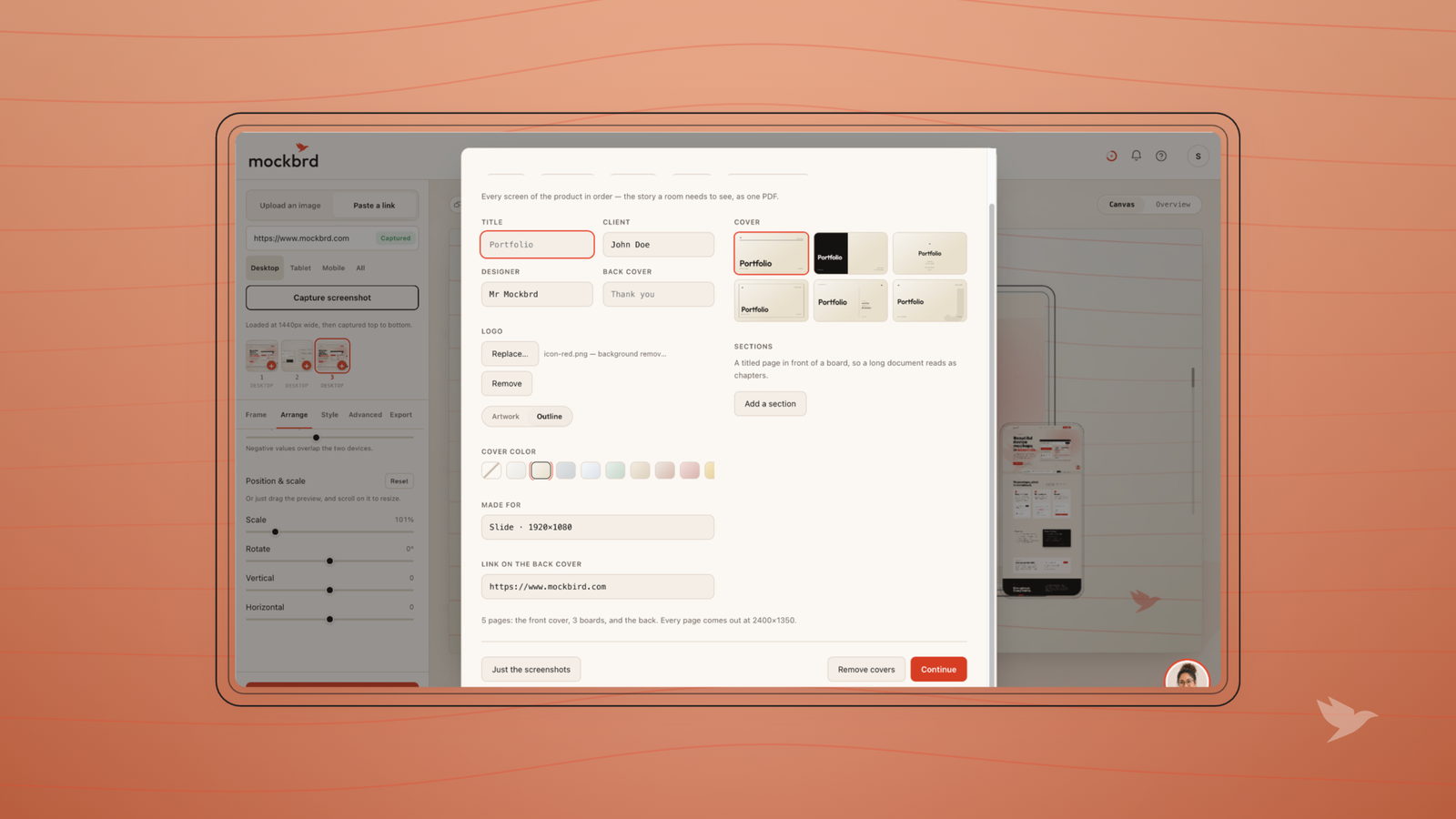
How to build a UI case study that actually gets you hired
Hiring managers spend about ninety seconds on a portfolio. Here is what they are looking for in that time, and why most case studies spend it on the wrong thing.
-
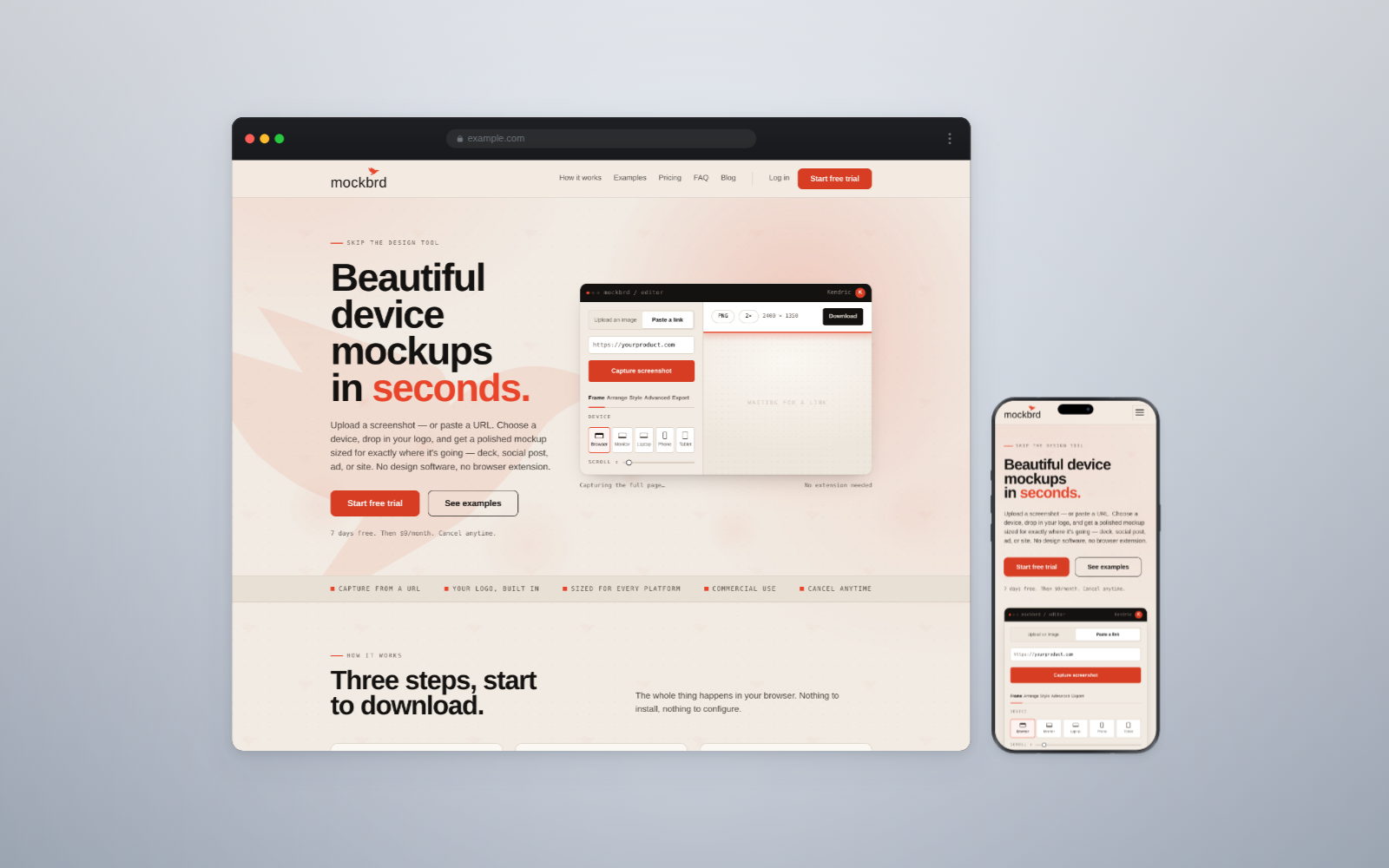
Device mockups: which frame, when, and how not to overdo it
A device frame is a sentence about what your product is and where it is used. Most people pick one by habit. Here is how to pick one on purpose.
-
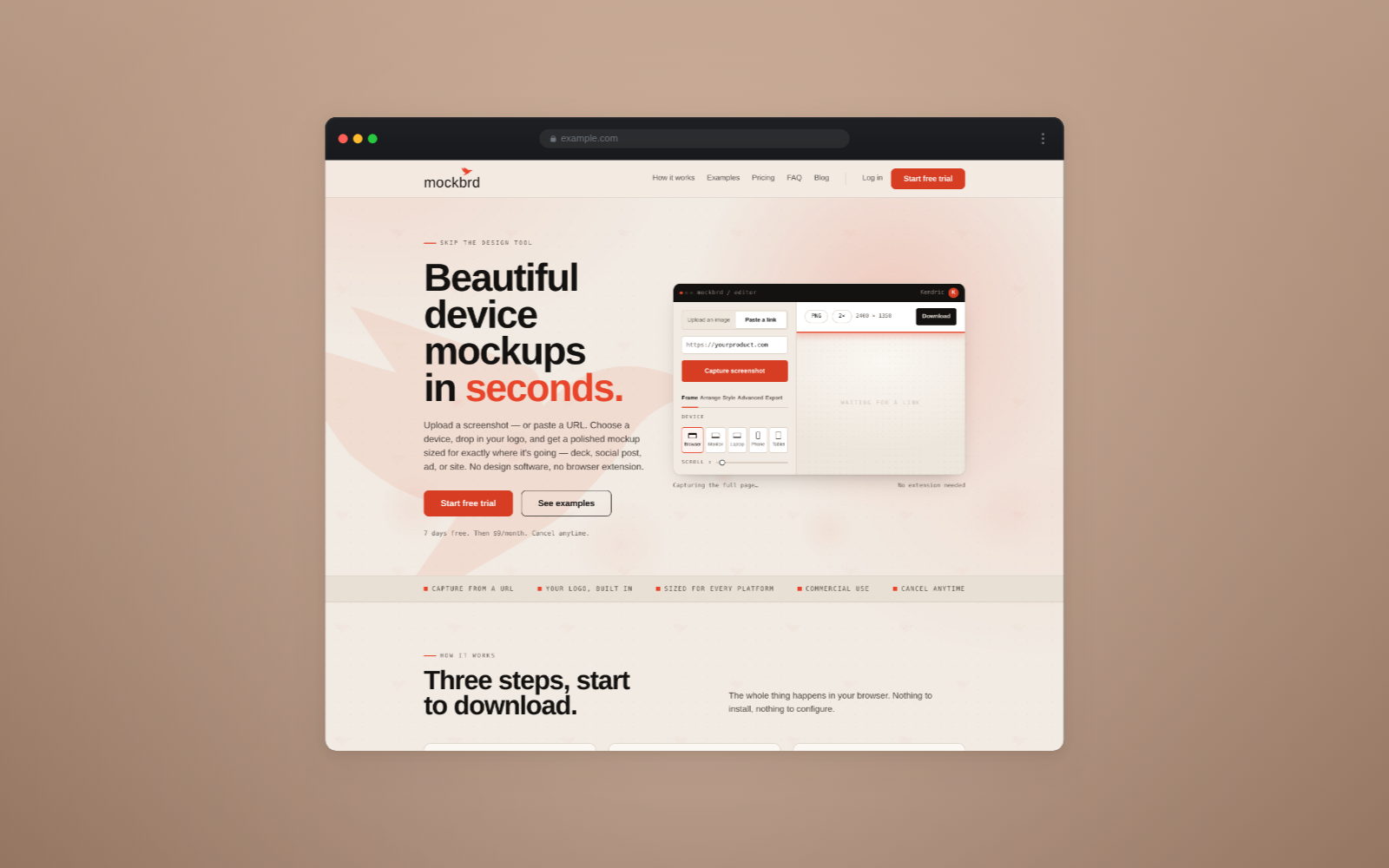
Five things that make a product screenshot look amateur
The gap between a screenshot that looks shipped and one that looks thrown together is smaller than you think, and none of it is talent.
For agencies
Client decks, handoffs and making a build look finished.
3 articles-
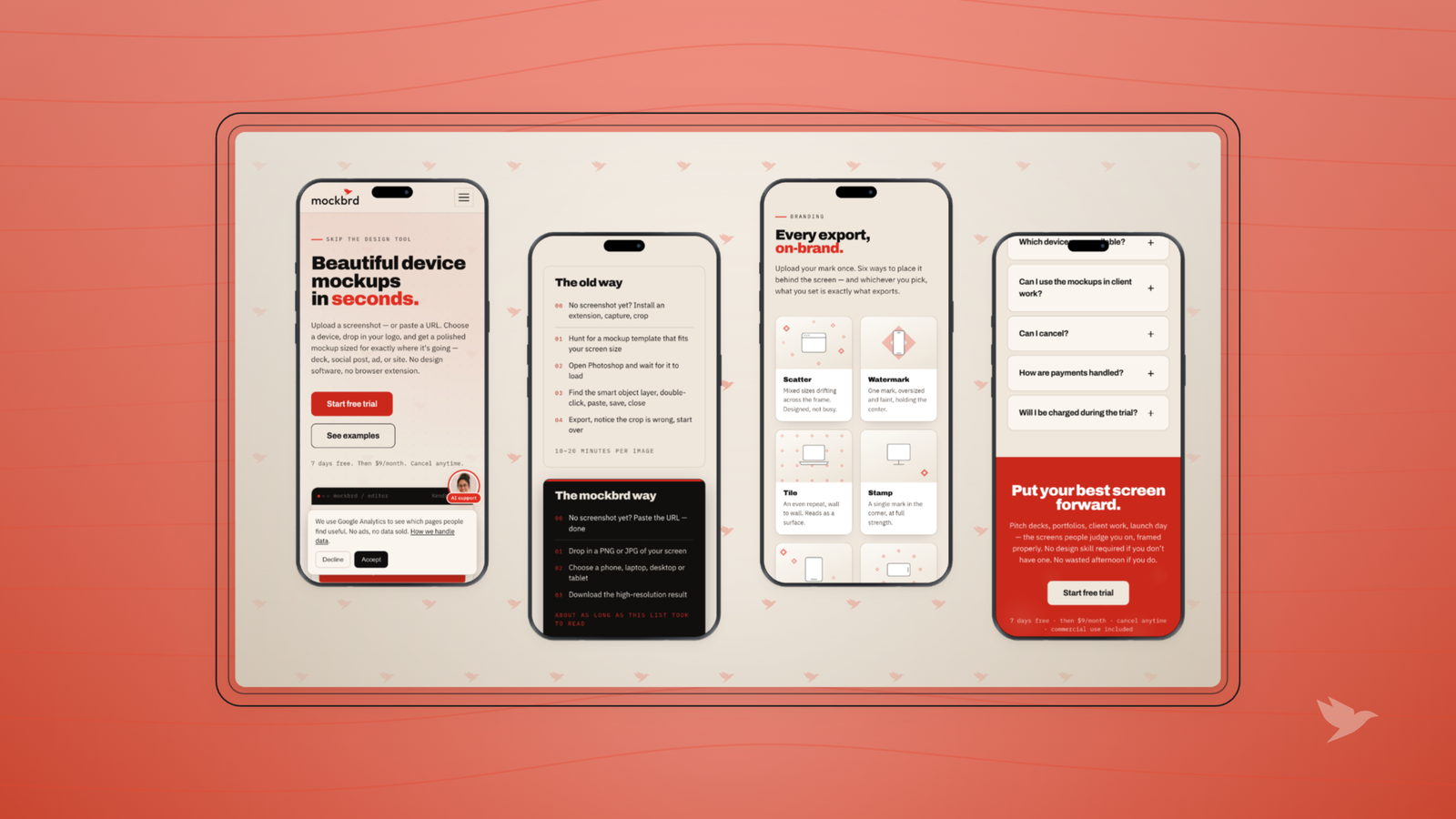
Client presentations: getting every screen to look finished
The work is done and the deck is tomorrow. Here is how the screens in it stop looking like exports and start looking like a decision you are asking the client to approve.
-
The assets to hand over at the end of a website build
The build is signed off and the invoice is sent. What you hand over in that last week decides whether the client comes back, refers you, or quietly forgets you.
-
How to screenshot a whole web page, not just the bit you can see
Your screenshot key captures the window. Here is how to capture the entire page, in every browser, without an extension.
For founders
Launches, store listings and doing this yourself in an hour.
3 articles-
Launch day: the images to have ready before you post
Launch day is the one day you cannot make assets on. Here is the short list to have in a folder beforehand, and what each one is actually for.
-
Your screenshots are full of test data, and everyone can tell
Lorem ipsum, "Test User" and a notification badge showing 47 do more damage to a product page than a bad layout. Here is how to seed a screenshot properly.
-
PNG, JPG or WebP: picking a format without thinking about it again
Three formats, three jobs, and a couple of rules that mean you never have to work it out twice. Including the one that gets store uploads rejected.