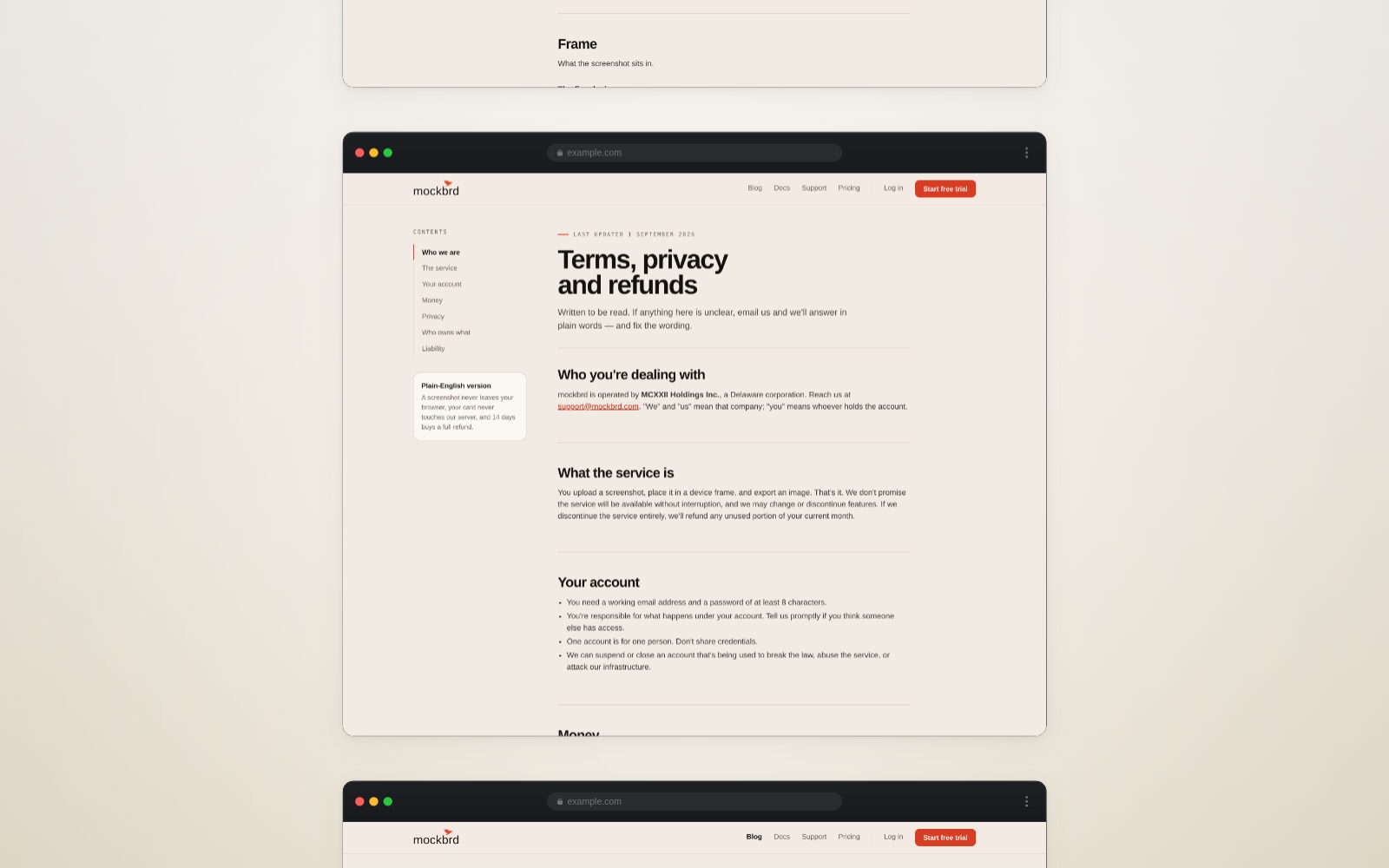
Pressing the screenshot key gives you the window. If the page is longer than the window — and almost every page is — you get the top of it and nothing else.
Every major browser can capture the whole thing. None of them makes it obvious.
Chrome
Chrome hides this in the developer tools, which sounds alarming and is not.
- Press Cmd + Option + I on a Mac, or F12 on Windows
- Press Cmd + Shift + P (Ctrl + Shift + P on Windows) — a command box appears
- Type
screenshot - Choose Capture full size screenshot
The file lands in your downloads. Close the developer tools and forget you were ever in there.
Firefox
Firefox is the only one that treats this as a normal thing a person might want.
Right-click anywhere on the page and choose Take Screenshot, then Save full page. That is the whole procedure.
Safari
Safari needs its developer menu turned on first, once:
- Safari → Settings → Advanced
- Tick Show features for web developers
Then right-click the page, choose Inspect Element, and in the panel that opens find the page's top-level <html> element in the markup, right-click it, and choose Capture Screenshot. It is the most awkward of the three, and it does work.
Edge
Edge borrowed Chrome's engine and then made this easier than Chrome did. Right-click the page, choose Screenshot, then Capture full page.
The things that go wrong
Sticky headers repeat. A header fixed to the top of the window is drawn at the top of every screenful the browser stitches together, so your capture has the navigation bar running down it like a flipbook. Some browsers handle this and some do not. If yours does not, scroll to the very top before capturing — that sometimes settles it — or hide the element in the inspector first.
Lazy images come out blank. Most sites only load images as you scroll to them, so a full-page capture taken from the top gets grey boxes further down. Scroll slowly to the bottom, wait a second, scroll back to the top, and then capture. Everything is loaded by then.
Animations freeze at the wrong moment. Anything that fades or slides in on scroll will be caught mid-move. Same fix: scroll through first so everything has finished arriving.
The page is enormous. A very long page can produce an image tens of thousands of pixels tall that no tool wants to open. If you only need the first few screens, capture the window a few times instead.
Or skip all of it
If you are doing this to put the result into a mockup, a tool that captures the page for you sidesteps every problem above — it loads the page at a real device width, waits for the images, and hands you the whole thing already sized for the frame you want.
That is what the Paste a link tab in mockbrd does. Paste a URL, pick desktop, tablet or mobile, and the capture arrives ready to arrange.